



Automatic product feed
One feed address to give Google once: it updates itself without you.


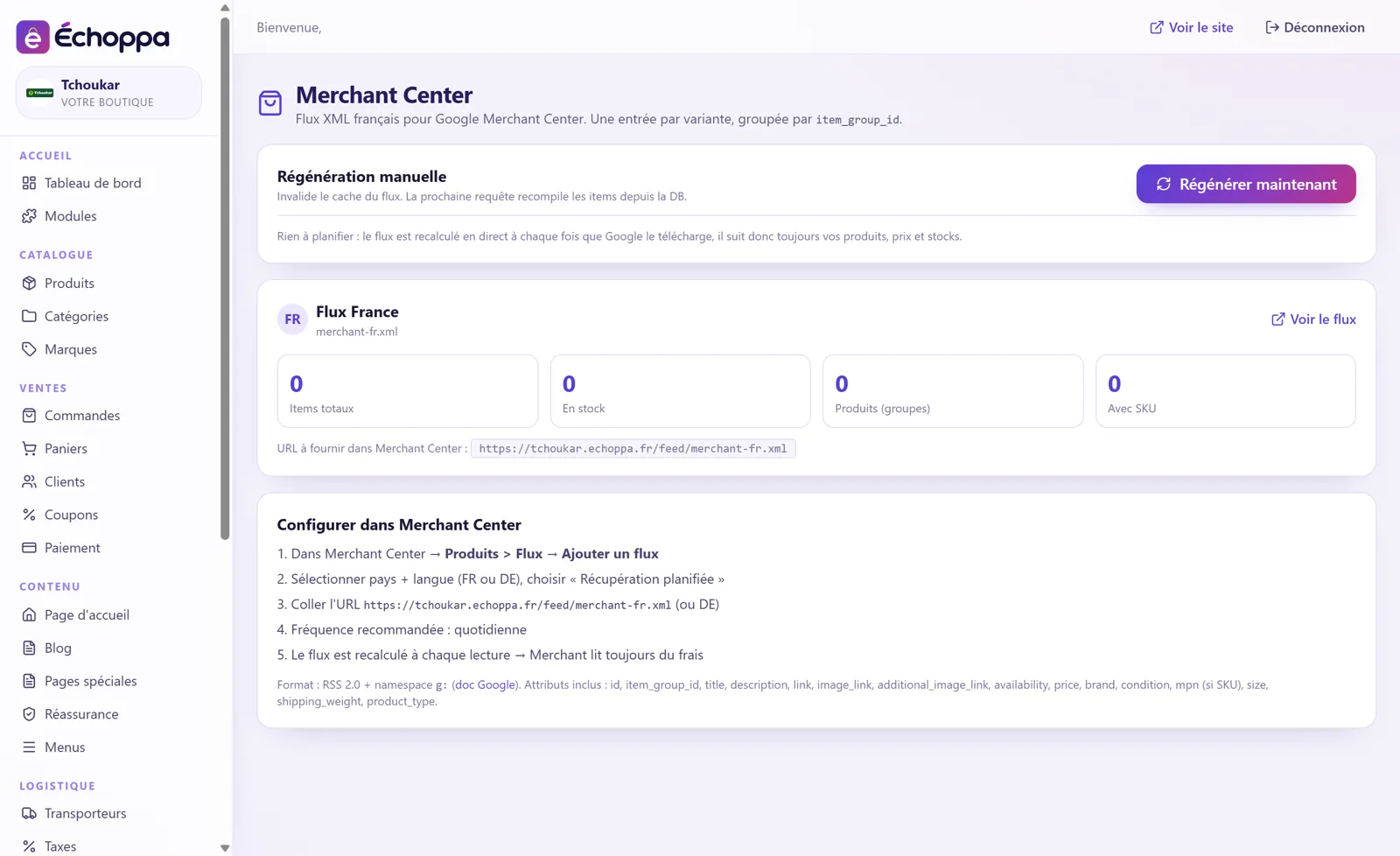
The module prepares your product feed for Google Merchant Center and keeps it up to date by itself. Your products can appear in Google's Shopping tab.
One feed address to give Google once: it updates itself without you.
Each size or colour is sent, grouped under its product.
The steps to follow in Merchant Center are shown on the module page.
Screenshots of the Échoppa admin area, exactly as you will see it.
Free delivery, secure payment, easy returns…
View module →An illustrated banner to highlight an offer.
View module →Your customers become your sellers.
View module →Recruit resellers who sell your products.
View module →A product at a discounted price when bought with another.
View module →Your customers come back to finish their order.
View module →Your customers earn points on every order and come back to spend them.
View module →Each product's key points at a glance.
View module →An “Are you 18?” window at the store entrance.
View module →