



One account, several carriers
Compare offers and ship with the carrier that suits you, without opening an account with each one.


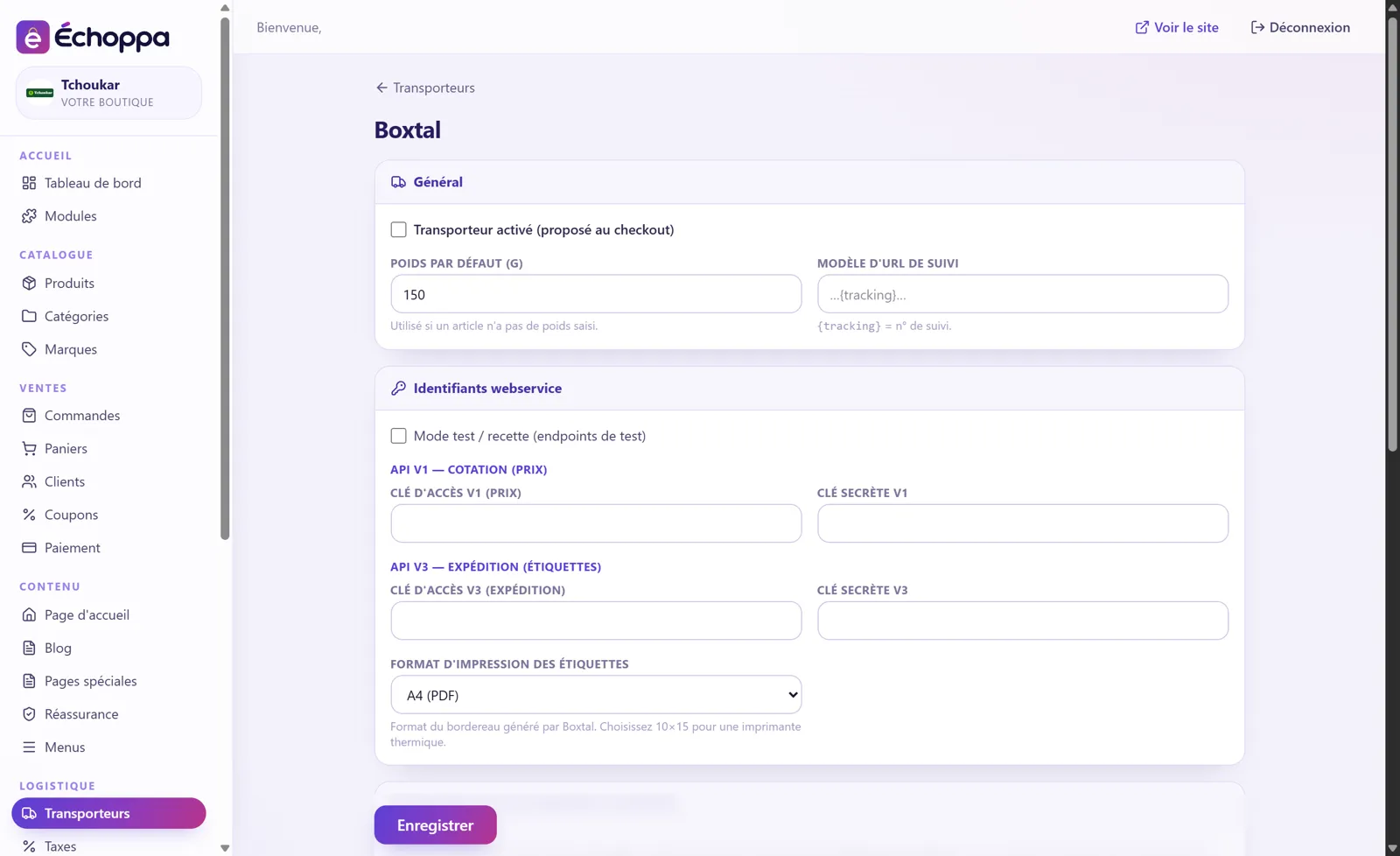
Boxtal gives you access to several carriers from a single account. The module connects your store to Boxtal: price calculation, shipment creation and label printing.
Compare offers and ship with the carrier that suits you, without opening an account with each one.
The connection to Boxtal's quoting services gives you the shipping price.
Create your shipments and print your labels as A4 PDFs.
A tracking link template: your customer finds their parcel in one click.
Used for products whose weight you have not yet entered.
Try the connection on Boxtal's test environment before going live.
Screenshots of the Échoppa admin area, exactly as you will see it.
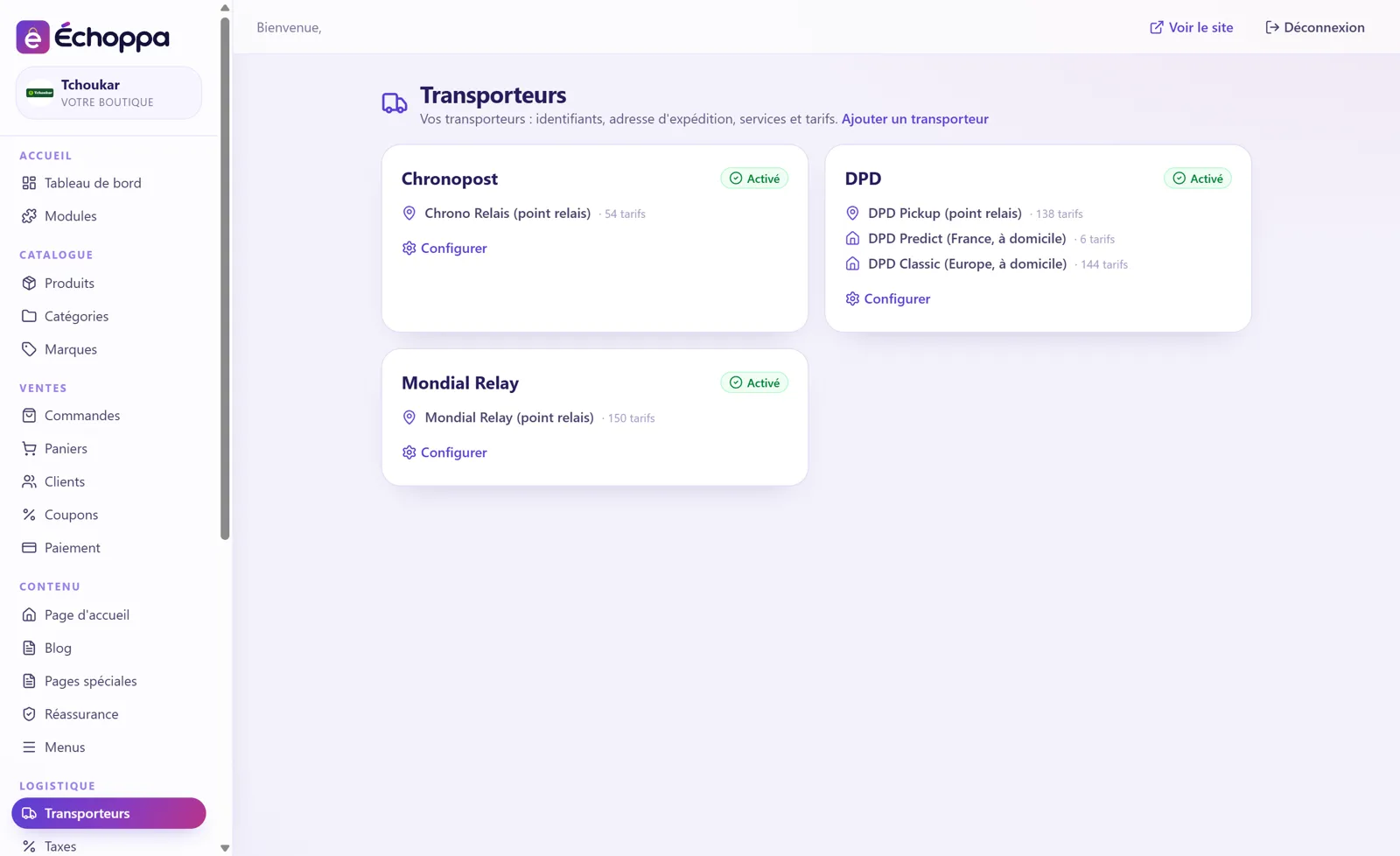
Each carrier has its services (pick-up point, home delivery…) and you set your rates by zone and by weight. The checkout works out the delivery price by itself.