



Pick-up point selection on a map
The customer sees the pick-up points near them and picks one, right in the checkout.

Mondial Relay is online shoppers' favourite pick-up point delivery. With the module, your customers choose their pick-up point on a map when they order.
The customer sees the pick-up points near them and picks one, right in the checkout.
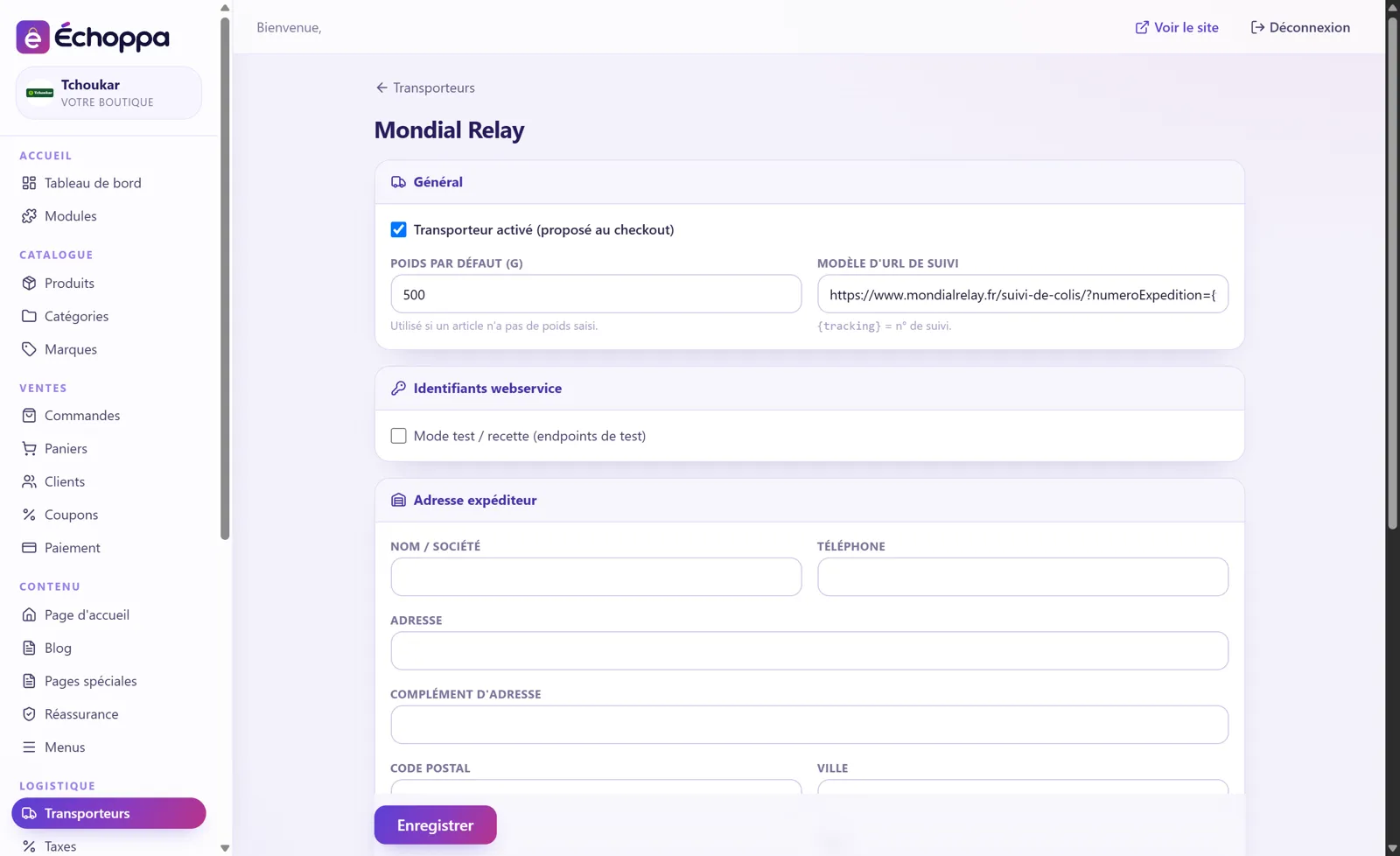
You set your delivery prices, the checkout applies them by itself.
The Mondial Relay tracking link is sent to your customer.
Your sender address is saved once and for all.
Try the connection before going live.
Screenshots of the Échoppa admin area, exactly as you will see it.
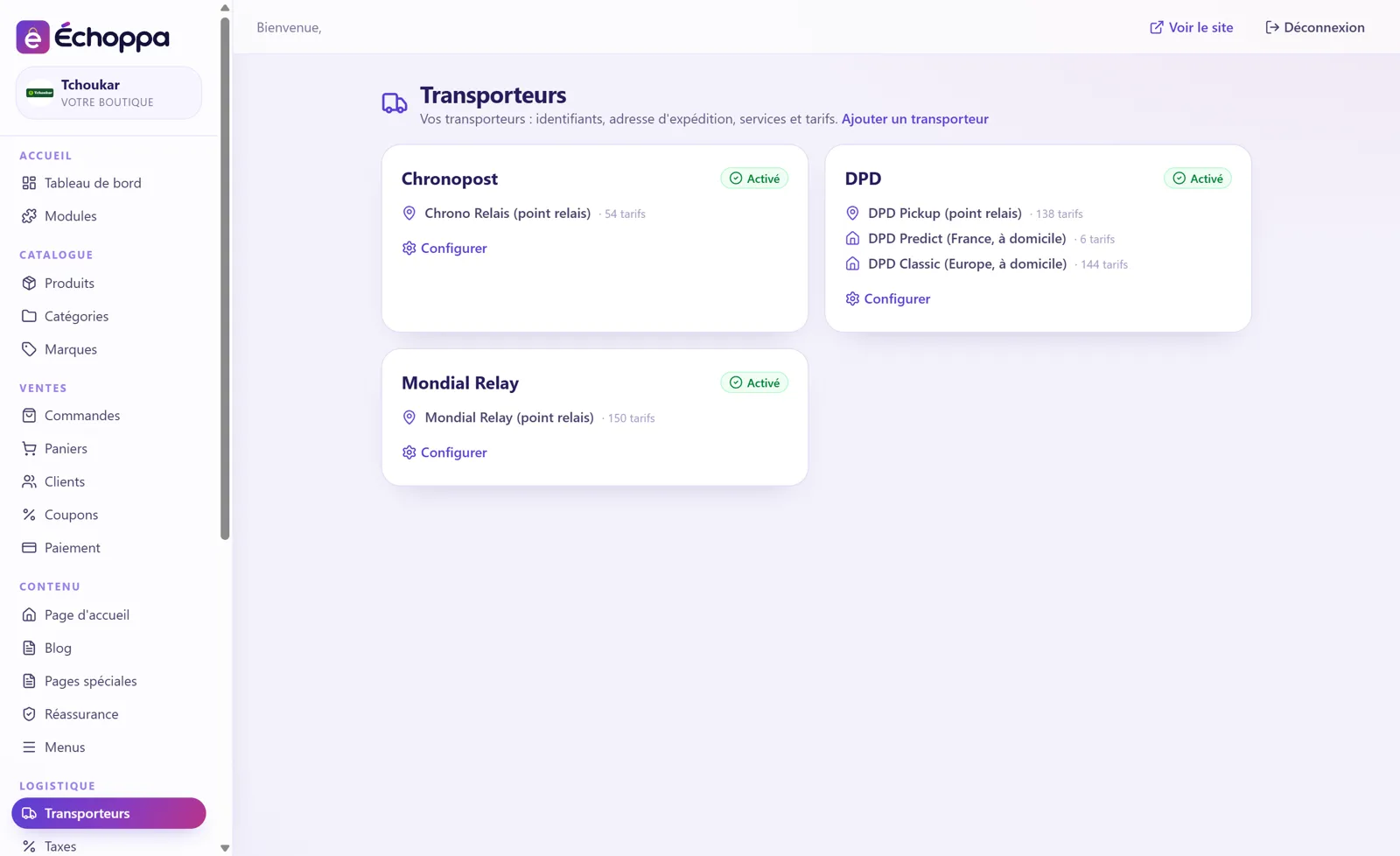
Each carrier has its services (pick-up point, home delivery…) and you set your rates by zone and by weight. The checkout works out the delivery price by itself.