



Order awaiting cheque
You know exactly which orders are awaiting payment.

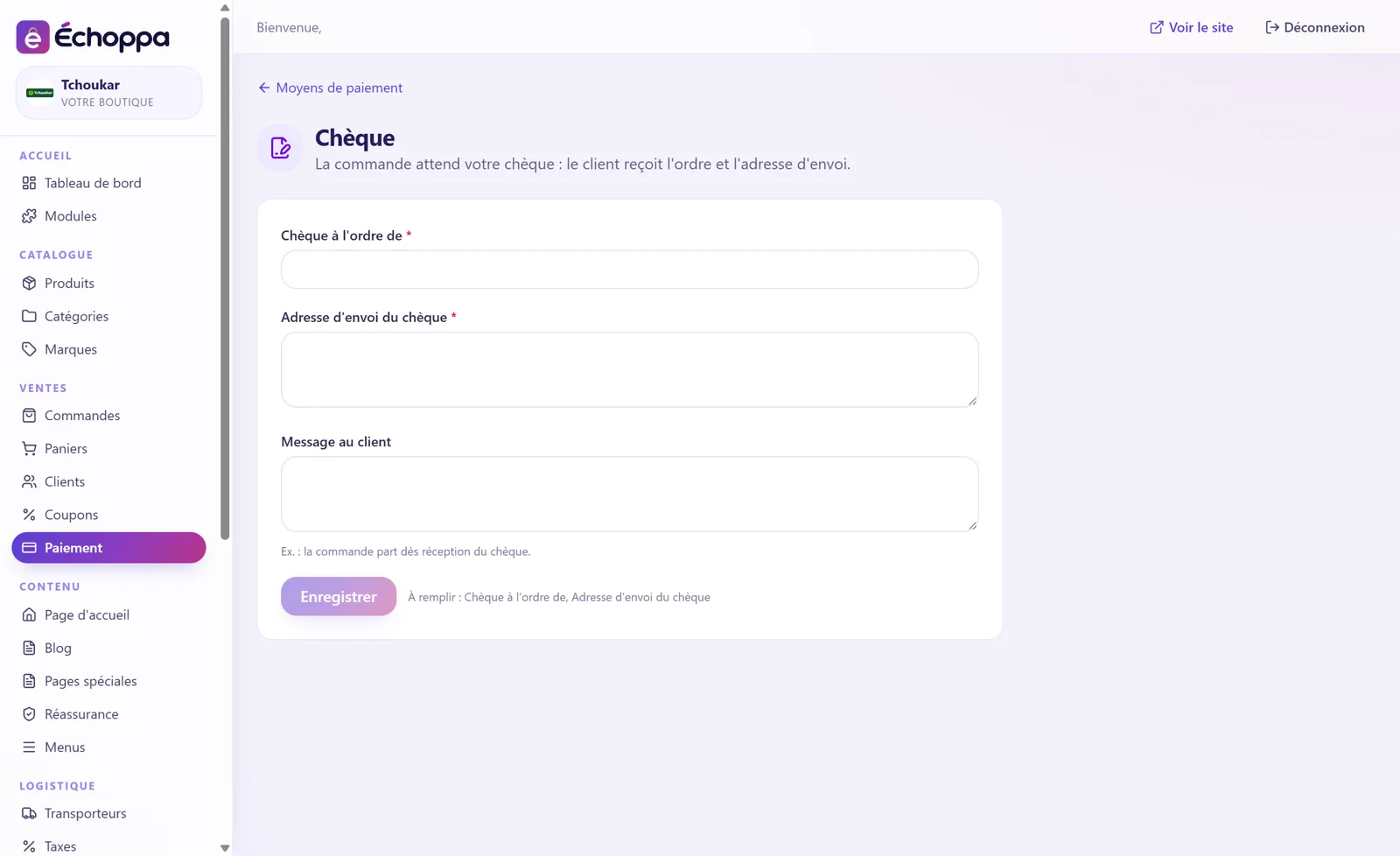
Some customers still prefer to pay by cheque. The order waits for your cheque, and the customer receives the payee name and the postal address.
You know exactly which orders are awaiting payment.
The customer is told who to make the cheque out to and where to send it.
For example: “your order ships as soon as the cheque arrives”.
Screenshots of the Échoppa admin area, exactly as you will see it.
Yes. On the Payment page of your admin area, you arrange them by drag and drop: the checkout shows them in that order.

Bank card, Apple Pay, SEPA instant transfer…
View module →
Bank card, Apple Pay, Google Pay.
View module →
The button your customers already know.
View module →
Bank card and payment in instalments.
View module →The customer transfers, you ship on receipt.
View module →Bank card, Apple Pay, Google Pay: the solution that accepts CBD.
View module →