


Cards and European methods
Bank card, Apple Pay, SEPA instant transfer and any other methods you enable in your Mollie account.

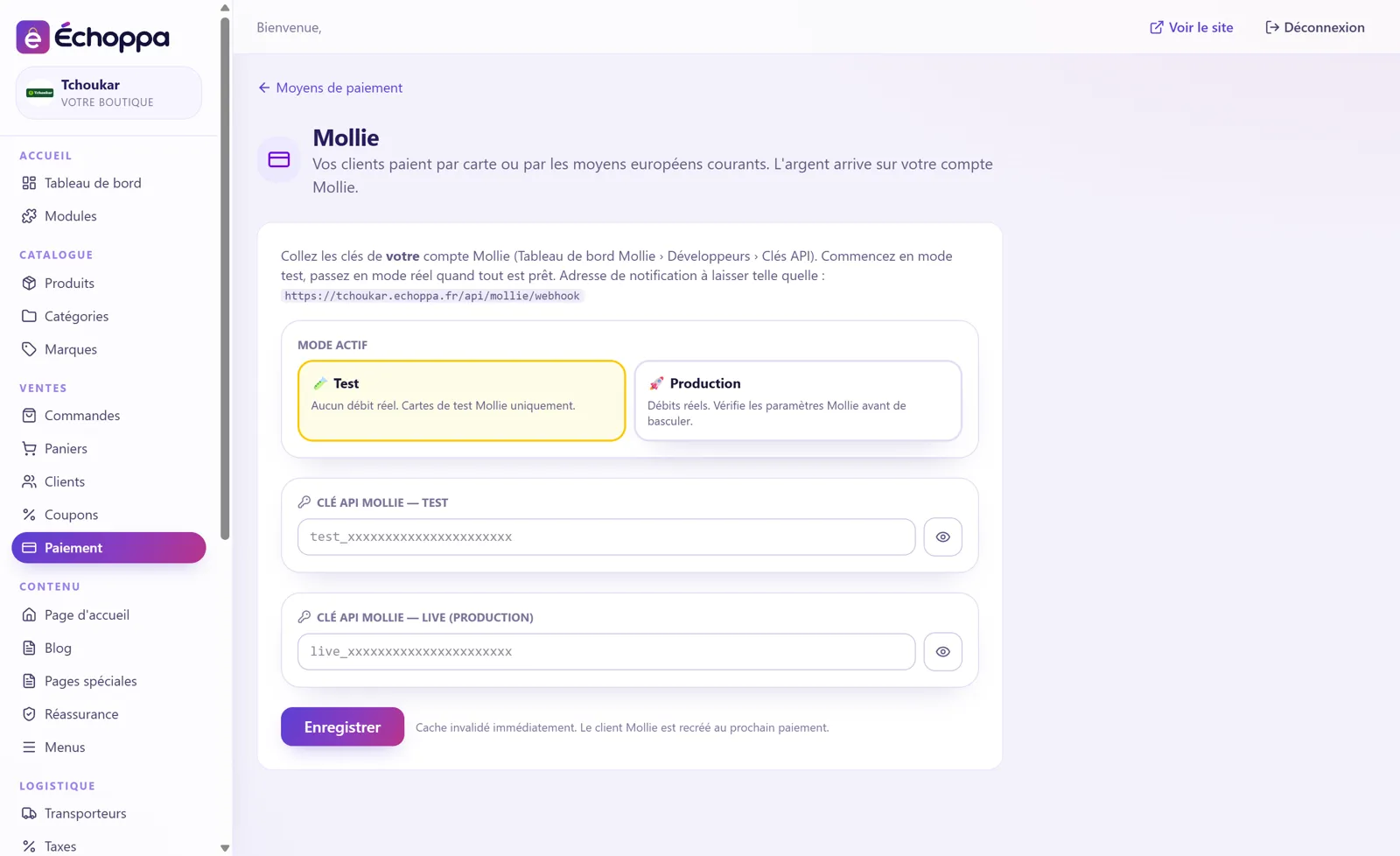
With the Mollie module, your customers pay by bank card or by the usual European payment methods. The money lands in your own Mollie account: Échoppa never sits in between.
Bank card, Apple Pay, SEPA instant transfer and any other methods you enable in your Mollie account.
You start with your test key, with no real money. When everything is right, you go live with one click.
When a customer pays, Mollie notifies your store: the order switches to “paid” on its own.
Your funds, your payouts, your relationship with Mollie. No Échoppa commission.
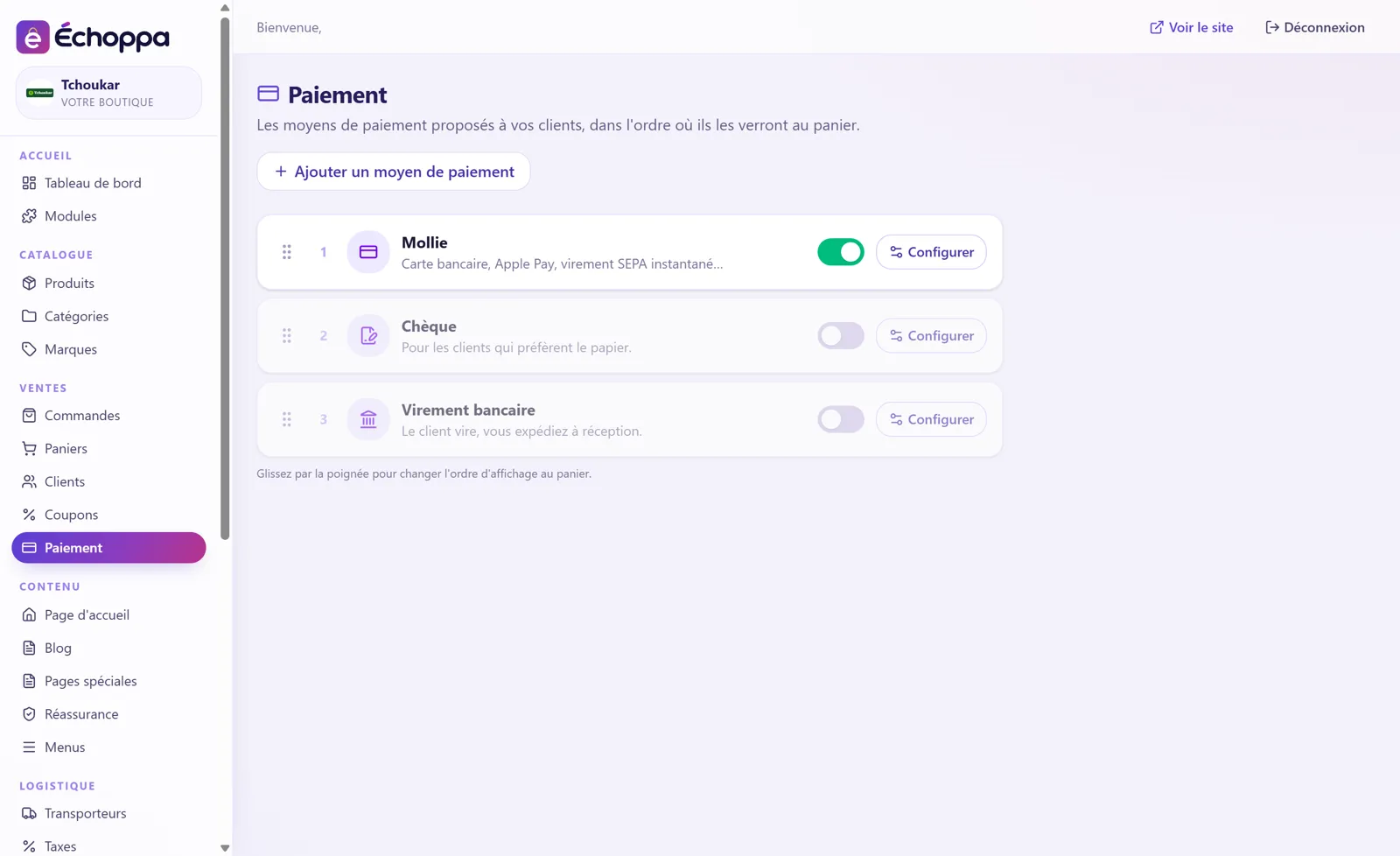
Screenshots of the Échoppa admin area, exactly as you will see it.
No, never. You only pay your Échoppa subscription and, where applicable, the fees of your own payment provider.
Yes. On the Payment page of your admin area, you arrange them by drag and drop: the checkout shows them in that order.

Bank card, Apple Pay, Google Pay.
View module →
The button your customers already know.
View module →
Bank card and payment in instalments.
View module →The customer transfers, you ship on receipt.
View module →For customers who prefer paper.
View module →Bank card, Apple Pay, Google Pay: the solution that accepts CBD.
View module →