



Order awaiting payment
The order is safely recorded, with a clear status telling you to wait for the transfer.

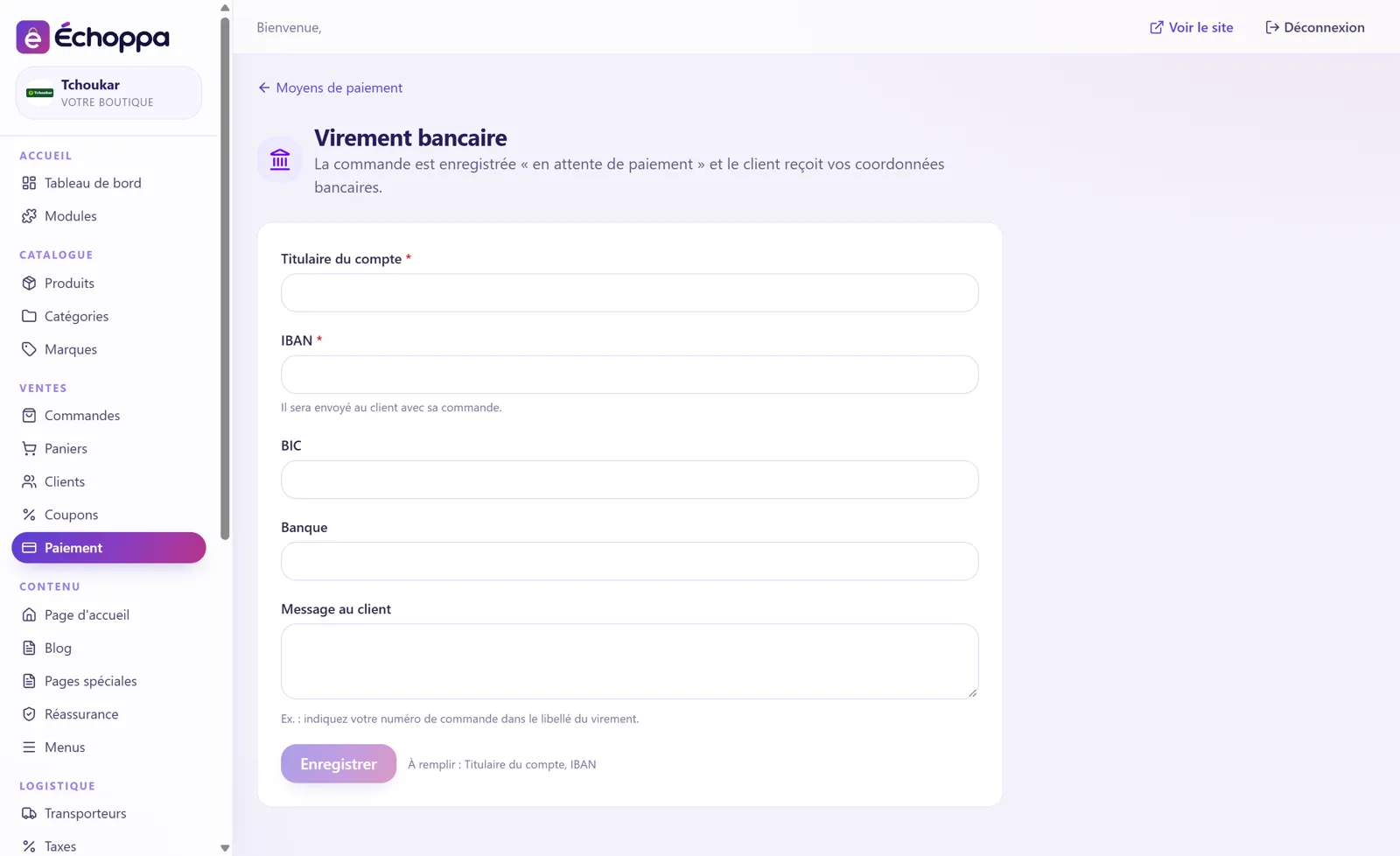
The customer chooses bank transfer at checkout: the order is recorded as awaiting payment, and they receive your bank details. You ship once the money has arrived.
The order is safely recorded, with a clear status telling you to wait for the transfer.
Account holder, IBAN, BIC and bank, sent to the customer with their order.
For example: “please quote your order number in the transfer reference”.
No provider, no commission: ideal for business customers.
Screenshots of the Échoppa admin area, exactly as you will see it.
Yes. On the Payment page of your admin area, you arrange them by drag and drop: the checkout shows them in that order.

Bank card, Apple Pay, SEPA instant transfer…
View module →
Bank card, Apple Pay, Google Pay.
View module →
The button your customers already know.
View module →
Bank card and payment in instalments.
View module →For customers who prefer paper.
View module →Bank card, Apple Pay, Google Pay: the solution that accepts CBD.
View module →